Skills You Need to Start Freelancing With No Experience
Learn the essential skills to start freelancing with no experience. Discover beginner friendly tools, tips, step by step guidance, and practical advice to earn online and build your freelancing career.
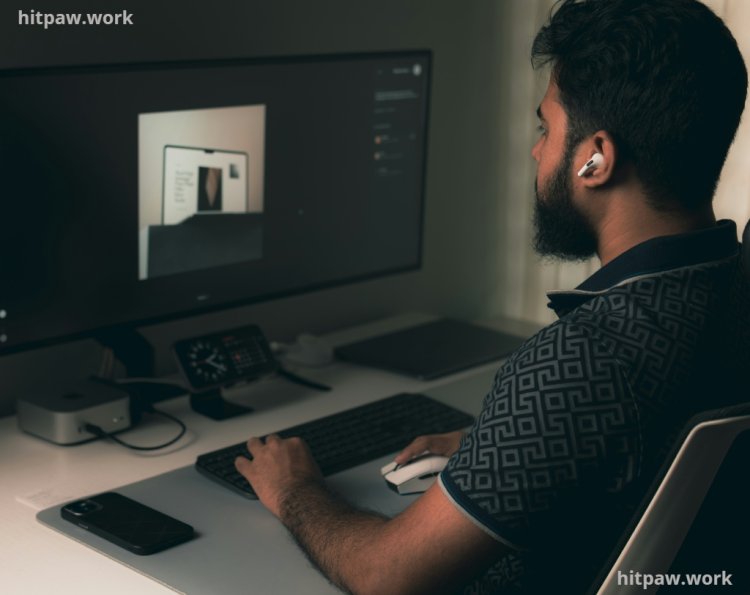
Key Points Regarding Freelancing Skills for Beginners
• How I started freelancing with zero experience and earned my first $50 in a week
• Step by step skill building process for total beginners
• Detailed list of beginner friendly freelancing skills (writing, design, virtual assistance, social media)
• Tools and platforms I personally used to succeed without spending money
• Mistakes I made and exactly how I corrected them
• How to organize your workflow for better productivity
• How to gradually expand your skillset while earning
• FAQs based on real life questions from freelancers starting today
Why I Started Freelancing
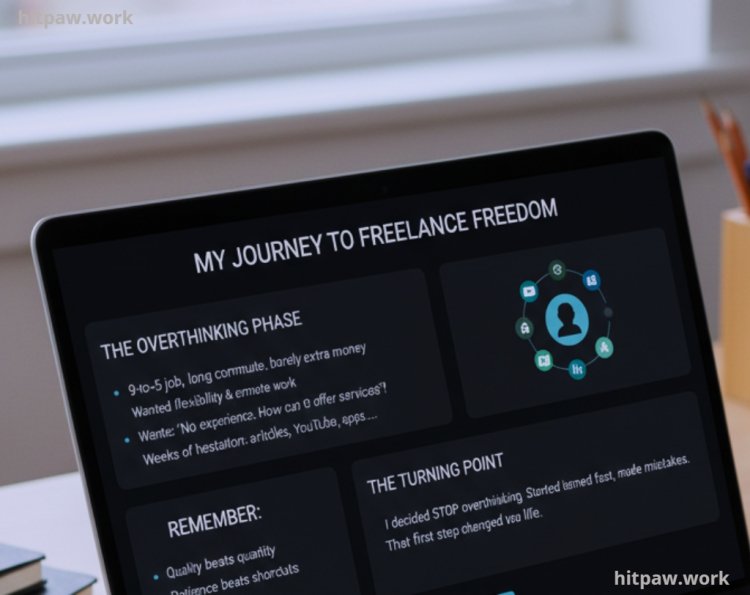
I remember the day I realized my 9 to 5 job wasn’t giving me freedom. I was spending hours commuting and still barely making extra money. I wanted flexibility and the ability to earn from home.
The idea of freelancing was exciting, but the moment I considered it, a thought stopped me cold:
“I have no experience. How can I offer services when I don’t know anything?”
For weeks, I hesitated. I read articles, watched YouTube tutorials, and even downloaded freelancing apps but fear held me back.
Finally, I decided to stop overthinking. I started small, learned fast, and made mistakes along the way. That first step changed my life.
Understanding “Skills” in Freelancing
When I first looked at freelancing, I thought “skills” meant mastery. I imagined you needed years of experience to even apply for a project.
Then I realized something crucial:
A freelancing skill is anything that solves someone else’s problem, no matter your experience level.
For example:
• Writing simple blog posts
• Formatting Excel sheets
• Scheduling social media posts
• Designing social media banners using Canva
Clients care more about results than certificates. Once I understood this, freelancing became achievable.
What I Learned the Hard Way
Freelancing is different from a traditional job.
In a traditional job:
• Your degree matters
• Your experience matters
In freelancing:
• Results matter
• Reliability matters
• Communication matters
When I started, I assumed my lack of experience made me unworthy of work. The truth? My willingness to deliver and learn fast mattered more than my resume.
Skills I Used to Start Freelancing
Here’s what I started with:
1. Content Writing My First Freelancing Skill
I didn’t start with coding or graphic design. I started with writing, because I could already type and communicate ideas clearly.
My first jobs included:
• Blog rewrites
• Product descriptions
• Short 500 word articles
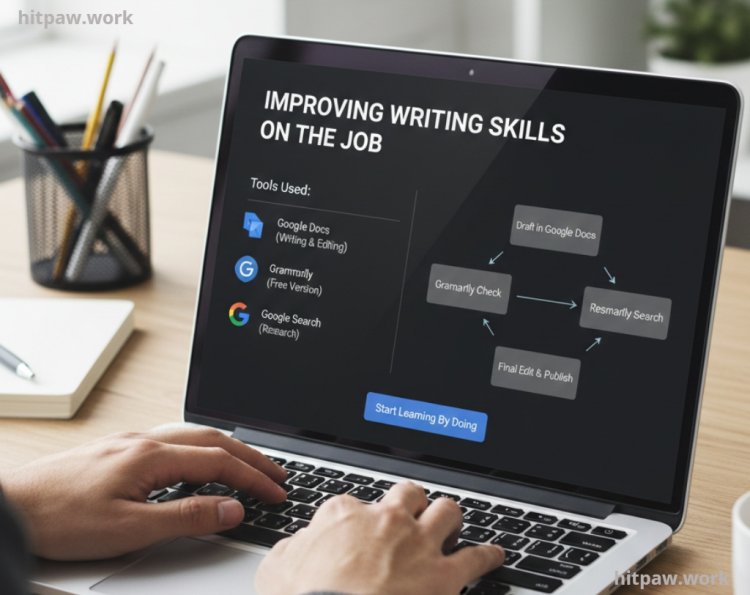
I improved my writing skills on the job, not before.
Tools I used:
• Google Docs (writing & editing)
• Grammarly (free version)
• Google Search (research)
2. Data Entry & Online Research
Once I was comfortable writing, I experimented with data entry.
Tasks included:
• Copying data into spreadsheets
• Researching websites
• Compiling lists
Tools used: Google Sheets, Microsoft Excel, and simple browser based tools.
Lesson learned: Accuracy beats speed. Clients prefer a slow, precise worker over someone who rushes and makes mistakes.
3. Virtual Assistance (VA)
I started small by managing emails and schedules for one client.
Typical VA tasks:
• Responding to messages
• Calendar management
• File organization
• Customer support
Tip: Start with one client and learn organization skills. Your efficiency is your skill.
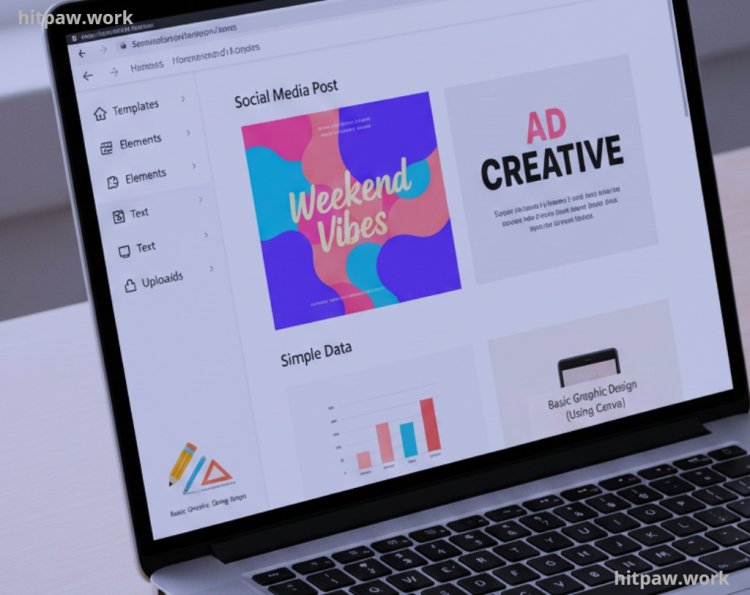
4. Basic Graphic Design (Using Canva)
I didn’t know Photoshop. Instead, I learned Canva to create:
• Social media posts
• Simple graphics
• Ad creatives
Clients often prefer clean and readable designs over complex, fancy designs.
5. Social Media Management
If you already use social media daily, this is familiar.
Tasks I started with:
• Scheduling posts
• Replying to comments
• Tracking engagement
Lesson learned: Consistency matters more than creativity at the start.
Tools I Personally Used to Start Freelancing
No need for expensive software when starting out. Here’s my real setup:
Basic Requirements
• Laptop (even low end works)
• Stable internet connection
• Email account
Free Tools
• Google Docs & Google Sheets
• Canva (free)
• Grammarly (free)
• Trello or Notion (project management)
• Free stock image sites (Unsplash, Pexels)
Platforms for Jobs
• Fiverr (easy for beginners)
• Upwork (more serious projects)
• Freelancer.com
I avoided paid tools until I consistently earned enough to justify them.
How I Learned Skills While Freelancing
Step 1: Accept That You Are a Beginner
Stop pretending to be an expert. I created a profile that admitted I was learning but willing to work hard.
Honesty attracts clients who are forgiving and supportive.
Step 2: Focus on One Skill Only
I chose writing first. Trying multiple services confused clients and diluted my learning.
Tip: Pick one skill, master it enough to start taking small projects.
Step 3: Practice Before You Earn
I spent 2 weeks creating:
• Sample articles
• Mock projects
• Practice tasks
Tip: Freelancing isn’t about being perfect it's about having proof that you can deliver.
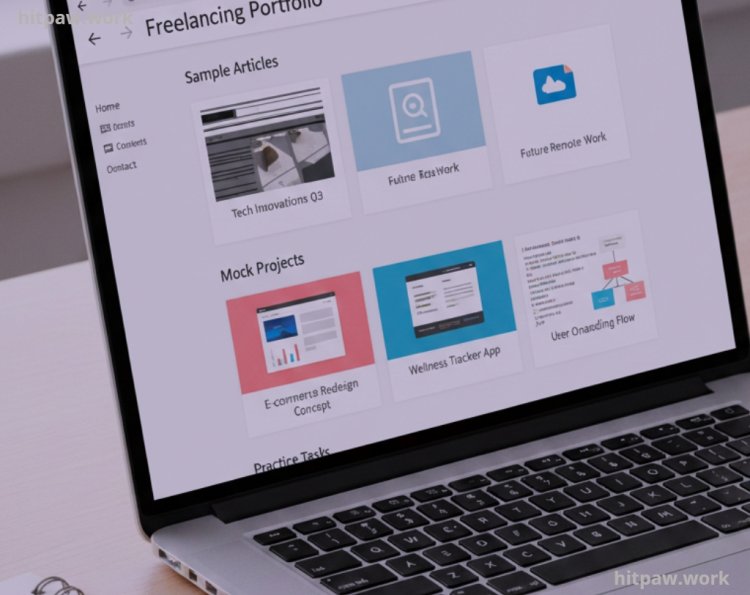
Step 4: Build a Simple Portfolio
I didn’t wait for paid jobs. I created:
• Google Docs samples
• Canva graphics for fake businesses
• Mock social media schedules
Clients don’t care if you’ve been paid they want evidence you can do the task.
Step 5: Create Your Freelancing Profile
Important: Focus on clarity, not perfection.
• Profile photo: friendly and professional
• Description: short and clear
• Services: 1 skill only at first
• Portfolio links: sample work
Lesson learned: Clean, honest profiles outperform overhyped profiles.
Step 6: Apply Consistently
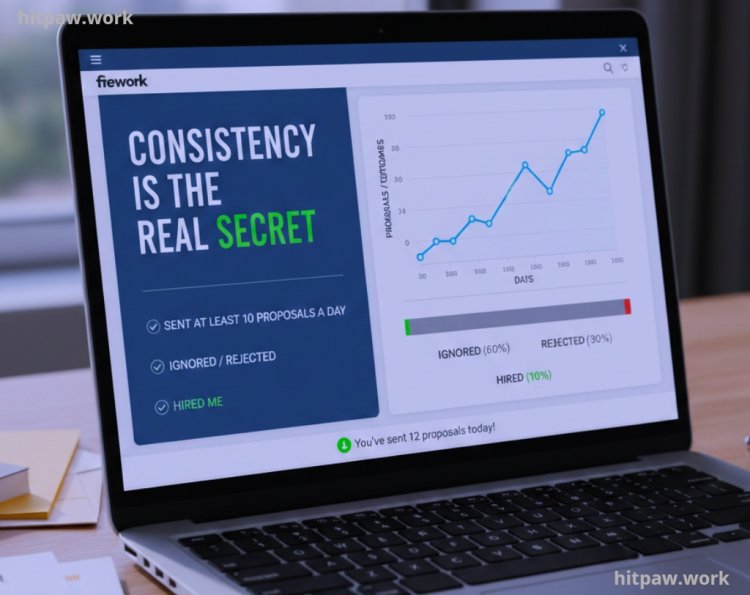
I sent at least 10 proposals a day on Fiverr & Upwork at first.
• Some were ignored
• Some rejected
• Some hired me
Consistency is the real secret.
Step 7: Accept Small Jobs First
My first $50 job was tiny but it gave me:
• Confidence
• A review
• Proof freelancing works
Tip: Don’t wait for a big client. Start small, build your track record.
Real Life Mistakes I Made & How I Fixed Them
Mistake 1: Waiting Too Long
Problem: I delayed starting until I felt “ready.”
Fix: I started imperfectly and improved as I went.
Mistake 2: Poor Communication
Problem: I assumed clients understood instructions.
Fix: I confirmed details and updated them regularly.
Mistake 3: Overcommitting
Problem: I offered multiple services and failed deadlines.
Fix: I focused on one skill and delivered quality.
Mistake 4: Ignoring Pricing
Problem: I undercharged initially and wasted time.
Fix: I researched fair rates and raised prices gradually.
How Freelancing Improves Skills Automatically
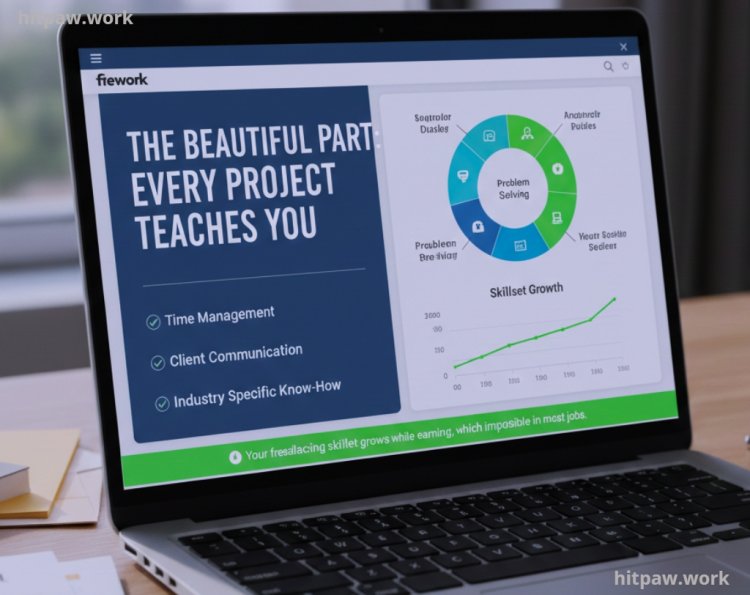
The beautiful part: Every project teaches you:
• Time management
• Client communication
• Problem solving
• Industry specific know how
Your freelancing skillset grows while earning, which is impossible in most jobs.
Tips From My Experience
1. Start Before You Feel Ready The perfect moment never comes.
2. Be Honest About Skills Clients respect transparency.
3. Focus on Reliability Delivering on time is more important than being perfect.
4. Learn While Earning Don’t wait to be skilled, improve while working.
5. One Skill is Enough Build confidence first, then expand.
6. Consistency Matters Daily work beats occasional bursts.
How I Think About Freelancing Now
Earlier, I thought I needed years of experience to start.
Now, I know:
• Skills can be learned while freelancing
• Small, honest projects build credibility
• Mistakes are learning opportunities
• One skill, done consistently, leads to bigger opportunities
Freelancing is a skill building career in itself. Start small, deliver consistently, and your experience will grow naturally.
Frequently Asked Questions
1. Can I start freelancing with no experience?
Yes. Freelancing is about solving client problems, not having years of experience. I started with small writing and data entry projects and learned as I went. Beginners can start with simple tasks and gradually take on bigger projects.
2. Which skills are best for absolute beginners?
Skills like content writing, virtual assistance, social media management, basic graphic design using Canva, and data entry are beginner friendly. These are in high demand and don’t require advanced training.
3. Do I need certificates or degrees to freelance?
No. Most clients care about results and reliability. A clear portfolio, sample projects, or practical demonstrations often matter more than formal qualifications.
4. How soon can I earn money as a beginner?
If you take action, you can earn within your first week. I earned my first $50 by completing small writing jobs and simple tasks. Start small and build your profile gradually.
5. How do I handle client rejection or criticism?
Rejection is normal. I learned to review feedback, improve my work, and not take it personally. Every critique is a chance to improve your skills and professionalism.
6. Do I need freelancing platforms to find clients?
Not necessarily, but platforms like Fiverr, Upwork, and Freelancer provide easy access to clients, especially for beginners. Direct client outreach is possible but takes more effort.
7. Can freelancing become a full time career?
Yes. I started part time with zero experience and eventually earned enough to replace my full time income. Consistency, skill improvement, and client retention are key.
8. How do I maintain and improve my skills over time?
Daily practice, client feedback, online tutorials, and experimenting with new tasks help. I recommend focusing on one skill at a time, then gradually adding more services as confidence grows.
9. What’s the most important skill for freelancers?
Reliability. Clients value someone who delivers on time, communicates clearly, and learns quickly even more than technical expertise at the start.
10. How do I set reasonable rates as a beginner?
Start with small, affordable projects to build your portfolio. Research market rates for your skill, then gradually increase pricing as you gain experience and positive reviews.
What's Your Reaction?