Tools That Help You Work Smarter, Not Harder
I share the exact tools and workflow system I use to work smarter, reduce stress, and improve productivity. Real examples, practical steps, and lessons learned from experience.

Main Highlights Regarding Tools That Help You Work Smarter, Not Harder
• I was overworking but underperforming because of poor systems
• My productivity improved only after redesigning my tool stack
• I tested tools during real projects with deadlines
• Simpler tools gave better results than complex ones
• Automation helped, but only when applied carefully
• Organization reduced stress more than motivation did
• Reviewing tools quarterly keeps my workflow sharp
• Smart tools reduce decision fatigue and mental clutter
Why I Had to Fix My Workflow
A few years ago, I was proud of how busy I was. My calendar was full, my inbox constantly active, and my task list endless. I worked long hours and still felt like I wasn’t doing enough. Deadlines slipped. Small mistakes kept appearing. I blamed myself for not being disciplined enough.
But the real problem wasn’t effort.
It was my tools.
I was juggling too many platforms. My files were scattered across cloud drives. My task lists were inconsistent. Communication lived in five different places. I didn’t need to work harder. I needed a better system.
This article is based on how I rebuilt my workflow while handling real client projects, tight deadlines, and content production schedules. Everything I mention here is something I personally tested and refined.
The Moment I Realized My Tools Were the Problem
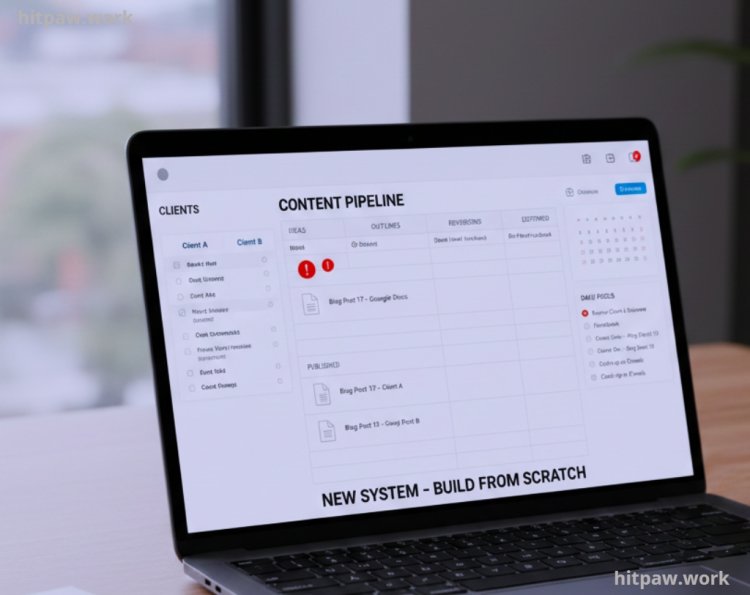
The turning point came during a content production project where I was managing 28 blog posts for two clients at the same time. I had drafts in Google Docs, outlines in a notebook, deadlines in my head, and feedback in emails.
One article missed revision notes because I couldn’t find the right thread. That delay cost me credibility.
That day, I decided to rebuild my system from scratch.
Materials I Personally Use
Below is the exact stack I use today. Each tool serves a specific purpose. I don’t use anything “just in case.”
1. Project Planning & Organization
Notion (Custom Dashboard Setup)
I built my own simple dashboard instead of using complex templates.
What I created:
• A master content calendar
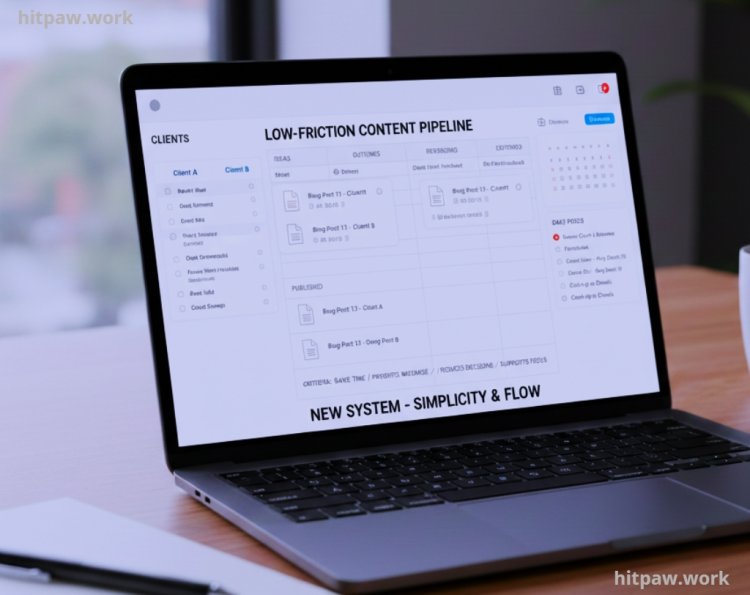
• Individual project boards
• A revision tracker
• A client notes database
Why Notion works for me:
• Everything is centralized
• I don’t lose context
• I reduce mental switching
Mistake I avoided later:
I stopped downloading complicated templates that looked impressive but slowed me down.
2. Daily Task Execution
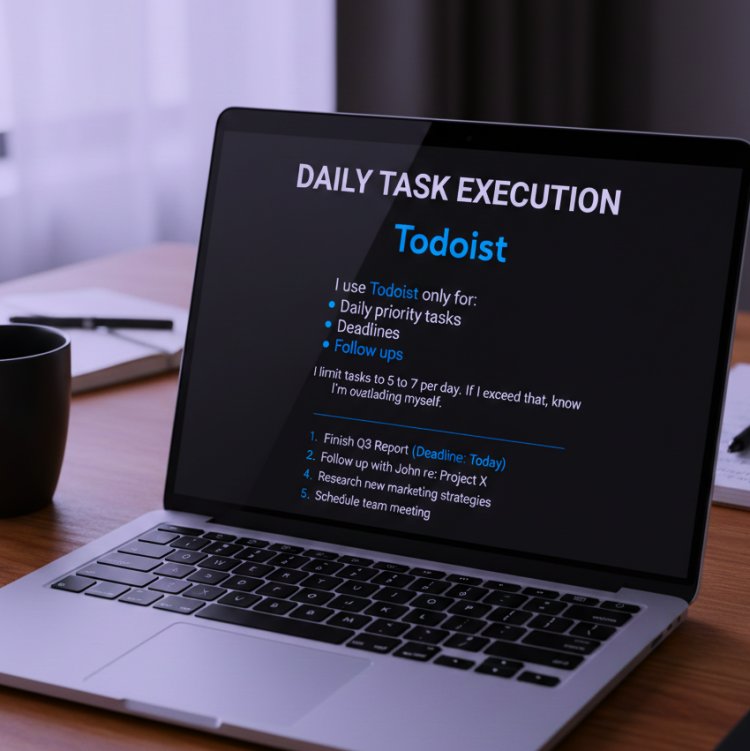
Todoist
I use Todoist only for:
• Daily priority tasks
• Deadlines
• Follow ups
I limit tasks to 5 to 7 per day. If I exceed that, I know I’m overloading myself.
3. Writing & Content Tools
Google Docs
For every article:
• Draft
• Edit
• Comment
• Version control
I prefer it over fancy writing apps because:
• It saves automatically
• Clients can comment directly
• I can track changes
Grammarly (Manual Mode)
I don’t accept every suggestion. I use it to polish grammar, not to rewrite content.
4. Communication Tools
Slack
I use structured channels:
• #project a
• #project b
• #general
I mute unnecessary channels. Constant notifications kill focus.
Zoom
Every important call gets:
• Recorded
• Summarized
• Converted into action tasks
5. File Organization System
Google Drive Structure
I follow this format:
Client Name
Project Name
01_Drafts
02_Revisions
03_Final
04_Assets
This alone saved hours every week.
6. Automation
Zapier
I use simple automations:
• Form submission > Todoist task
• Calendar booking > Slack reminder
• New document > Project board entry
I avoid complex chains. Simple automation is more reliable.
Real Workflow Before & After
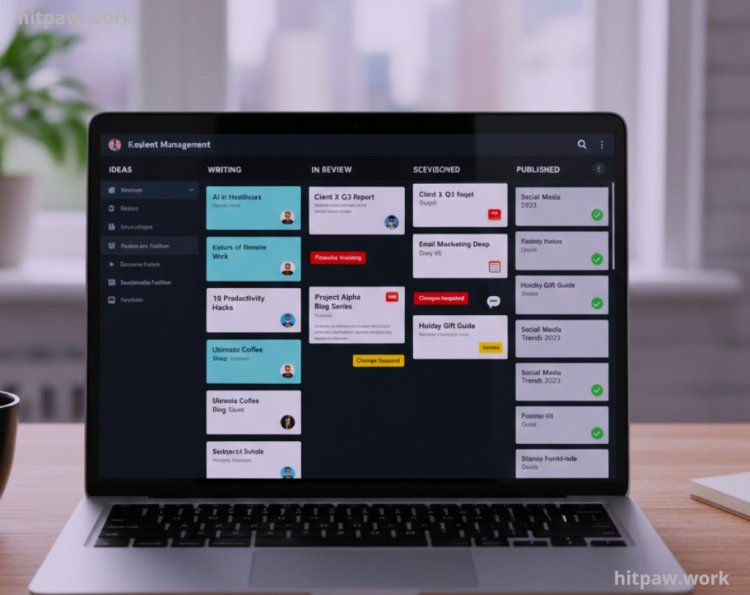
One of the clearest improvements in my productivity happened during a multi client content project. I was managing over 20 blog posts at the same time, each with different deadlines, revision rounds, and feedback loops. At that time, my workflow looked busy but unstructured.
Before Optimization
Before I improved my system, this is how I was working:
• Deadlines were stored in my head or scattered in emails
• Drafts were saved with random file names
• Feedback was split between email and chat
• Revisions were tracked manually
• Follow ups depended on memory
Every day felt reactive. Instead of starting work with clarity, I spent the first 30 to 45 minutes just figuring out what needed attention. If a client asked about progress, I had to search through folders and messages to answer confidently.
What I Got Wrong the First Time
When I first tried improving my workflow, I made three major mistakes.
Mistake 1: Tool Overload
I signed up for:
• Three project management apps
• Two writing platforms
• Multiple automation tools
Instead of clarity, I created chaos.
Fix:
I removed everything and kept only tools solving specific problems.
Mistake 2: Copying Other People’s Systems
I tried copying productivity systems from YouTube creators. Their workflows didn’t match my work style.
Fix:
I built my own minimal system.
Mistake 3: Ignoring Learning Curve
Some tools required weeks of setup. I didn’t have that time.
Fix:
Now I test tools during real deadlines. If it slows me down, I remove it.
How I Choose Tools Now
Step 1: Define the Problem Clearly
Instead of saying “I need better productivity,” I write:
“I forget follow ups with clients.”
Clarity changes everything.
Step 2: Set a Measurable Goal
Example:
“No missed follow ups for 30 days.”
Step 3: Research Only 2 to 3 Options
Too many choices create confusion.
Step 4: Test in Live Work
I never test tools with fake tasks.
Step 5: Review After 2 Weeks
Questions I ask:
• Did it save time?
• Did it reduce stress?
• Did it simplify decisions?
If not, it’s removed.
Real Feedback From My Experience
After rebuilding my workflow and testing different tools during real projects, I started noticing patterns. These weren’t theories they were results I experienced over months of consistent work.
The first thing I learned is that simplicity always wins. The tools that stayed in my system were not the ones with the most features, but the ones I could use daily without friction. If a tool required too much setup or constant adjustment, I slowly stopped using it.
Another clear insight was that integration matters more than power. A simple task manager connected to my calendar helped me more than a complex system that didn’t sync properly. When tools “talk” to each other smoothly, work flows naturally.
I also realized that expensive tools don’t automatically improve productivity. I paid for advanced plans thinking they would boost my performance. In reality, most premium features were unnecessary for my actual workflow. Now I only upgrade when I clearly understand the benefit.
Tips From My Experience
• Fewer tools increase focus
• Don’t automate broken processes
• Master one tool before adding another
• Keep your folder structure consistent
• Always check export options to avoid lock
• Use calendar blocks for deep work
Why Working Smarter Reduces Stress
When I was working longer hours without a proper system, stress felt constant. Even when I finished tasks, I wasn’t relaxed because I wasn’t sure what I might have forgotten. My brain stayed in “alert mode” all the time. That kind of pressure builds quietly and affects focus, sleep, and confidence.
Once I started organizing my tools and workflow properly, something unexpected happened my stress levels dropped before my workload did.
The reason was simple: clarity reduces anxiety.
When I can see all my tasks clearly in one place, I don’t waste energy trying to remember things. When files are organized properly, I don’t panic searching for documents. When communication is structured, I don’t worry about missing feedback. Each small improvement removes a layer of mental pressure.
How I Think About Tools Now
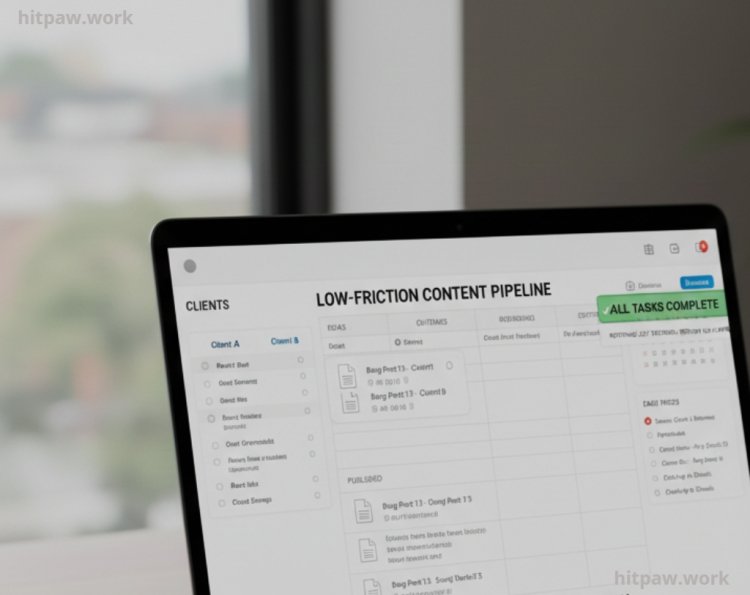
Today, I don’t look for tools that promise productivity. I look for tools that reduce friction.
If a tool:
• Saves time
• Prevents mistakes
• Reduces decisions
• Supports focus
It stays.
If it adds confusion, it goes.
Tool selection is not permanent. As work evolves, systems evolve. I review my workflow every few months to stay aligned with my goals.
Working smarter is not about shortcuts. It’s about building a system that supports consistent output without draining energy.
Frequently Asked Questions
1. Do productivity tools really make a big difference, or is it just mindset?
From my experience, mindset is important, but tools shape behavior. Before I organized my workflow, I had motivation but no structure. The right tools reduced mental clutter, prevented missed deadlines, and made it easier to stay consistent. Tools don’t replace discipline, but they support it in practical ways.
2. Should I use free tools or invest in paid versions?
I started with free versions of almost everything. Free tools are more than enough when you’re building your system. I only upgraded when I clearly understood what extra feature would improve my workflow. If you can’t explain why you need the paid version, you probably don’t need it yet.
3. How many tools are too many?
If you’re switching between apps constantly or feeling confused about where information is stored, you’re using too many. I personally try to keep my core workflow within 4 to 6 essential tools. The goal is clarity, not complexity.
4. How often should I review or change my tools?
I review my tool stack every three months. Most of the time, I don’t replace anything I simply remove what I’m not using. Constantly changing tools can reduce productivity because of the learning curve. Stability usually beats novelty.
5. What’s the biggest mistake people make when choosing tools?
Copying someone else’s system without understanding their own workflow. I made that mistake myself. A tool that works for a large team might overwhelm a solo worker. Always choose tools based on your real daily tasks, not trends or recommendations alone.
6. Can automation fully replace manual work?
No, and it shouldn’t. Automation works best for repetitive tasks like reminders, file organization, or simple data transfers. Creative thinking, strategy, and quality control still require human attention. I use automation to reduce repetition, not responsibility.
What's Your Reaction?