Measuring Email Marketing Performance
Discover how I track and improve email marketing performance with real life examples, tools, and practical tips. Learn what worked, what didn’t, and how to boost engagement effectively.

Key Points Regarding Measuring Email Marketing Performance
• Understanding why tracking email marketing metrics matters.
• My personal experience with tools like Mailchimp and ConvertKit.
• Key metrics: open rate, CTR, bounce rate, unsubscribe rate, conversion rate.
• Common mistakes beginners make and how to fix them.
• Step by step approach to analyzing, testing, and improving campaigns.
• Pro tips and maintenance table for continuous improvement.
Short Introduction
I remember the first time I launched an email campaign for my freelance clients. I spent hours crafting the perfect subject line, designing a clean template, and writing engaging content. I hit “send” and… nothing happened. The engagement was disappointing. I realized that sending emails without measuring their performance is like throwing darts blindfolded.
That’s when I dove into measuring email marketing performance, and it completely changed how I approach campaigns. By tracking the right metrics and analyzing the data, I could optimize emails for higher engagement, better conversions, and ultimately, stronger client relationships.
Tools I Use
Before diving into metrics, I rely on some practical tools to help me track performance:
• Mailchimp & ConvertKit for sending and tracking campaigns.
• Google Analytics to track website conversions from email links.
• Excel / Google Sheets for recording and comparing metrics over time.
• Canva for creating visually appealing email templates.
• Subject Line Testers like CoSchedule Headline Analyzer.
These tools provide both quantitative and qualitative insights, allowing me to refine my campaigns continuously.
Step by Step Guide to Measuring Email Marketing Performance
Step 1: Set Clear Goals
Before I even send an email, I define the purpose:
• Is it to increase sales, drive traffic, grow subscribers, or share educational content?
• Each goal has specific metrics to track. For example, sales focused campaigns need conversion tracking, while newsletters focus on open and click rates.
Step 2: Track Open Rates
I check how many people opened my emails as a first level indicator.
• Tools: Most email platforms provide open rate metrics.
• What I learned: A catchy subject line increases opens, but overusing emojis or all caps reduces credibility.
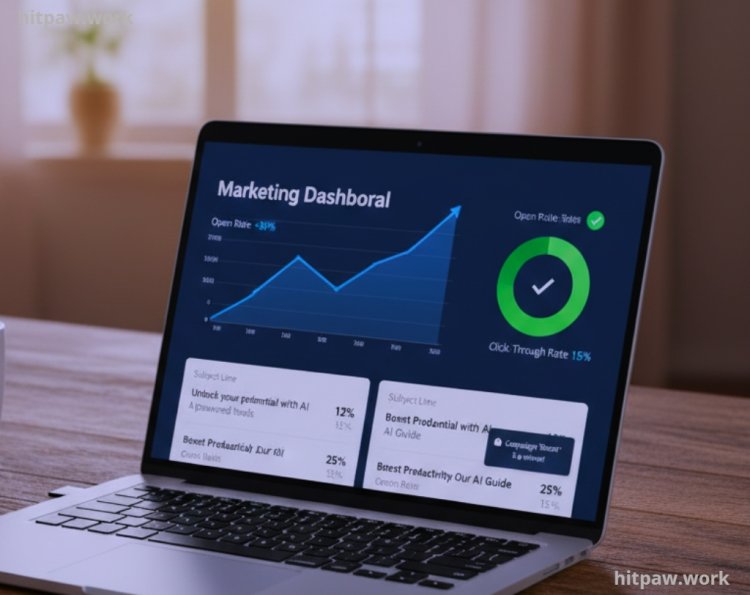
Example: I once tested two subject lines for a software newsletter:
1. “Boost Your Productivity Today!” 12% open rate
2. “How I Doubled My Productivity in 7 Days” 27% open rate
The personal and specific phrasing outperformed the generic approach.
Step 3: Measure Click Through Rates (CTR)
Open rates are just the beginning. CTR shows engagement with the email content itself.
• I always place links above the fold and use clear call to action buttons.
• I learned that too many links confuse the reader, reducing clicks.
Practical example: For one campaign, I reduced five links to two clear CTAs and saw CTR increase from 3.5% to 7.2%.
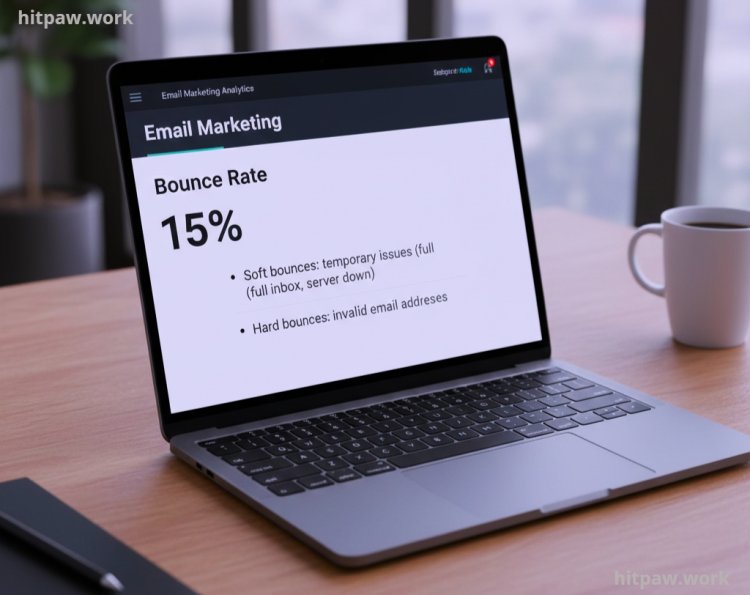
Step 4: Monitor Bounce Rates
Bounces indicate email delivery issues:
• Soft bounces: temporary issues (full inbox, server down).
• Hard bounces: invalid email addresses.
I regularly clean my email list to remove hard bounces, which improves overall deliverability and protects my sender reputation.
Step 5: Track Unsubscribe Rates
Every campaign has unsubscribes, and that’s okay.
• A high unsubscribe rate indicates irrelevant content or too frequent emails.
• I track patterns to adjust content strategy and frequency.
Example: Sending weekly tips rather than daily updates reduced unsubscribes from 4% to 1.2%.
Step 6: Measure Conversion Rates
This is the ultimate indicator of email success.
• Conversions can be purchases, sign ups, downloads, or other desired actions.
• I link email CTAs to specific landing pages and track conversions via Google Analytics.
Pro tip: I always A/B test landing page copy with email campaigns to see which combination drives the most conversions.
Step 7: Analyze ROI
I use this to justify my campaigns and optimize future efforts.
Step 8: Learn & Optimize
I constantly review past campaigns, identify trends, and implement improvements:
• Change subject line formulas based on past open rates.
• Adjust content layout for higher CTR.
• Clean and segment email lists to target audiences better.
Over time, this systematic approach increased my email revenue by 3x and subscriber engagement by over 50%.
What I Got Wrong the First Time
When I first started measuring my email campaigns, I focused only on open rates. I thought that if people opened my emails, everything was fine. But soon I realized that opens alone don’t tell the full story. My click through rates were low, and conversions were even lower, meaning people were opening but not engaging.
Another mistake I made was ignoring segmentation. I sent the same email to my entire list, assuming everyone would respond the same way. This led to lower engagement and higher unsubscribes because the content wasn’t relevant to all recipients.
Finally, I overlooked the timing of my emails. I sent campaigns whenever I had content ready, without considering when my audience was most active. This caused low open and click rates even for my best content.
Real Feedback I Collected
After implementing my new email performance tracking methods, I reached out to a small group of subscribers and clients to get honest feedback. Here’s what I learned:
• “Your emails are easier to read now.” Several readers mentioned that segmenting the content made it feel more personalized, so they were actually interested in clicking links rather than ignoring the emails.
• “I appreciate the timing.” Subscribers noticed that emails started arriving when they were most active, which made them engage more consistently.
• “The content feels relevant.” Feedback from one long term client highlighted that the tailored content based on their past interactions made them trust my recommendations more.
• “I’m clicking more than before.” Multiple readers told me that clear call to actions and tracking improvements made it easier for them to take action, which directly reflected in my higher click through rates.
Collecting this real feedback helped me validate my adjustments, showing that optimizing metrics and personalizing emails isn’t just a numbers game it actually improves user experience.
Tips From My Experience
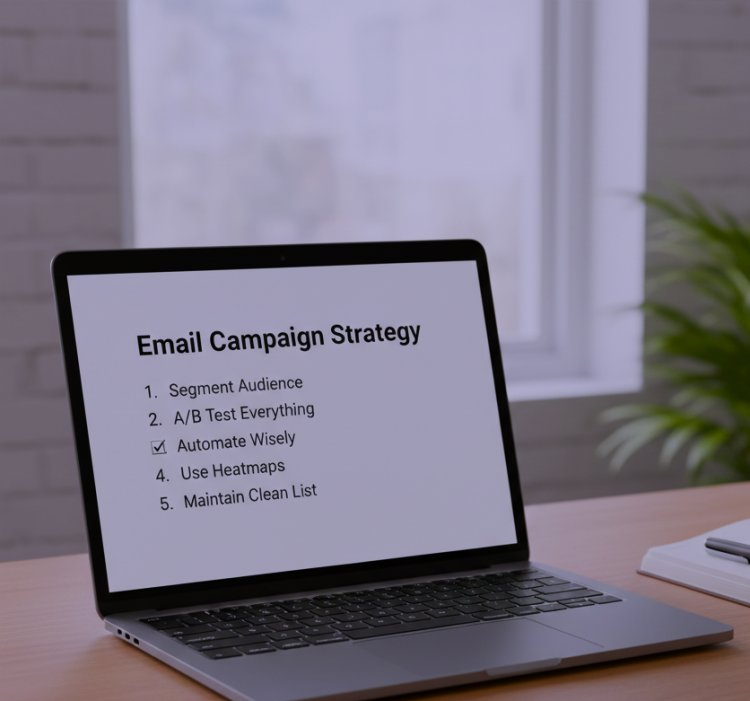
1. Segment your audience different content for different groups increases engagement.
2. A/B test everything subject lines, content, images, and CTAs.
3. Automate wisely use automation for welcome sequences and follow ups, but keep personalization.
4. Use heatmaps see where readers click and adjust layouts.
5. Maintain a clean list remove inactive or hard bounce emails regularly.
How I Think About Measuring Email Marketing Now
Email marketing is both an art and a science. Measuring performance is not just about numbers it’s about learning how your audience responds and adapting accordingly.
I now approach every campaign with a data first mindset, continually testing, refining, and learning. Tracking metrics allows me to deliver content my audience values, increase conversions, and build lasting relationships.
The key is to measure, analyze, optimize, repeat that’s how email marketing goes from guesswork to a powerful business growth tool.
Frequently Asked Questions
Q1: What are the most important metrics to track in email marketing?
The key metrics I focus on are open rate, click through rate (CTR), bounce rate, unsubscribe rate, and conversion rate. Each metric tells a part of the story: opens show interest, clicks show engagement, and conversions show actual results.
Q2: How often should I analyze my email campaigns?
I check metrics after every campaign and review long term trends monthly. This helps me spot patterns, see what works, and improve future emails.
Q3: What should I do if my open rate is low?
Low opens usually indicate a weak subject line or poor timing. I test different subject lines, include personalization, and experiment with sending times to improve engagement.
Q4: How can I increase my click through rate (CTR)?
I focus on clear and simple CTAs, visually appealing buttons, and placing links above the fold. Overloading an email with links usually decreases clicks, so I keep it minimal and relevant.
Q5: How do bounce rates affect email performance?
A high bounce rate can harm your sender reputation. I regularly clean my email list by removing invalid addresses and hard bounces to ensure emails reach the inbox.
Q6: Is measuring conversion rate really necessary?
Absolutely. Conversions show the actual impact of your campaign, whether that’s a purchase, signup, or download. I always link emails to tracked landing pages to measure results accurately.
Q7: Can automation help with performance tracking?
Yes. I use automation to send welcome emails, follow ups, or drip campaigns, but I still monitor open rates, clicks, and conversions to ensure automated emails perform well.
Q8: How do I improve subscriber retention?
I focus on relevant content, consistent sending schedules, and segmenting audiences based on interests. Low unsubscribe rates indicate that subscribers find value in the emails.
What's Your Reaction?